

Object browser pane
The left-hand pane shows a dynamic tree representing the hierarchy of objects maintained in your current model. The tree is collapsible, but expanded by default. For large models, it can be quite long.
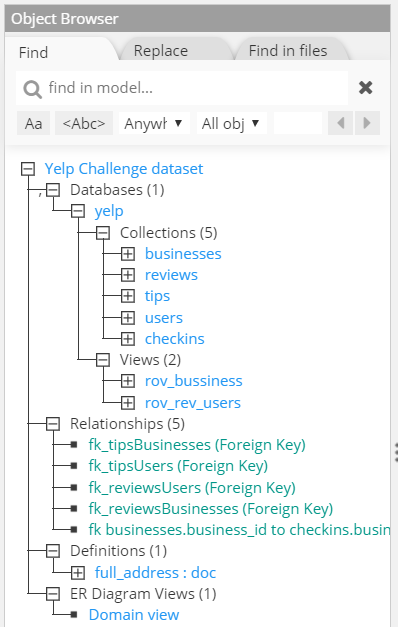
You may adjust the width of the pane by moving the vertical ellipse  separating the Object Browser and central panes. You may toggle the appearance of the Object Browser pane by choosing the menu option View > Object Browser, or by double-clicking on the vertical ellipse.
To collapse a tree branch, click on  . To expand a tree branch, click on
  .
.
It is possible to toggle the appearance of the Object Browser pane from the workspace by choosing the menu View > Object Browser.Pane.
A single-click on an object increases the ERD zoom on the selected object, and displays the corresponding properties in the Properties Pane.
A double-click on an object opens the hierarchical schema view and zooms in on the selected object.
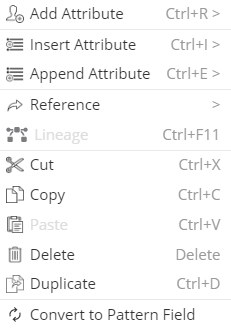
A right-click displays a contextual menu of actions possible for the selected object.
Find and Replace
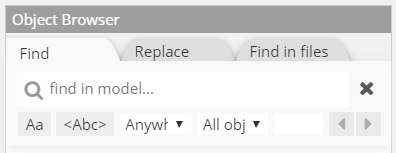
At the top of the Object browser pane, a handy search bar lets you type any part of an object name:
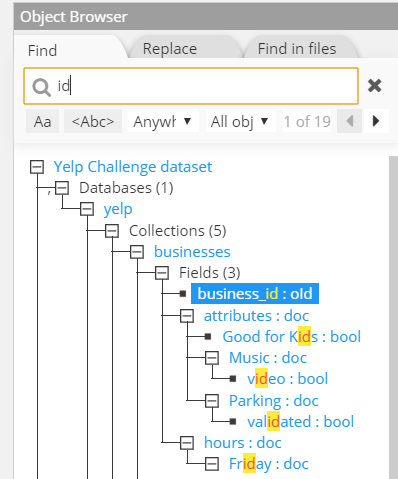
and the tree will be filtered to display only strings matching the entry:
There are several controls available to fine-tune the find and replace function:
 press this button if you want to enable case sensitive search
 press this button if you want to match only complete words
 press this button if you want to match according to a regular expression (see RegEx cheatsheet by example)
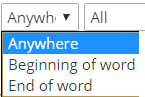 if match is not on complete words, you have may specify to match only on the beginning or the end of the word
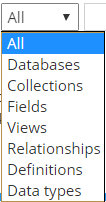 you may restrict the search on specific types of objects or only on data types
 you may navigate through search results using the F3 (next) or Shift+F3 (previous) keys or the arrows
 clears the current search expression
 displays a list of previous search expressions in the current session
In the Replace tab:
 replace the selected matched word
 replace all matched words
Find in files lets you search Hackolade models on the file system. The searched model files must be of the same target as the one of the open model. With a right-click, the contextual menu allows to open the searched model in a separate instance of the application.